A lone worker app exists to answer one question: if a guard on a night patrol, a technician on a remote site visit or a caregiver doing a solo home visit runs into trouble, how quickly does anyone else find out? Duty of care doesn’t mean eliminating that risk; it means building a system that notices quickly if something’s gone wrong and gets help moving before too much time passes.
A lone worker app is built from three pieces: a way to check in, a way to raise an alarm and a clear path for what happens next.
This piece walks through what each of those three pieces should do in a lone worker app and why the gaps between them are usually where duty-of-care programs actually fail not in any single feature, but in the seams connecting them.
Why a lone worker app isn’t one feature
It’s tempting to think of a lone worker app as a single button press it, help comes. In practice it’s a chain: something has to prompt a check-in or accept a manual alert, something has to notice if that check-in doesn’t happen, someone has to be notified and someone has to actually respond.
A lone worker app that’s strong on the alert button but has no defined escalation path leaves a worker’s safety depending entirely on them successfully pressing a button while in distress which is exactly the scenario the app is meant to cover for.
Check-ins: what a lone worker app should log
The simplest and most common layer is a scheduled or location-triggered check-in a worker confirms they’re safe at set intervals or a system logs their presence automatically as they move through defined zones.
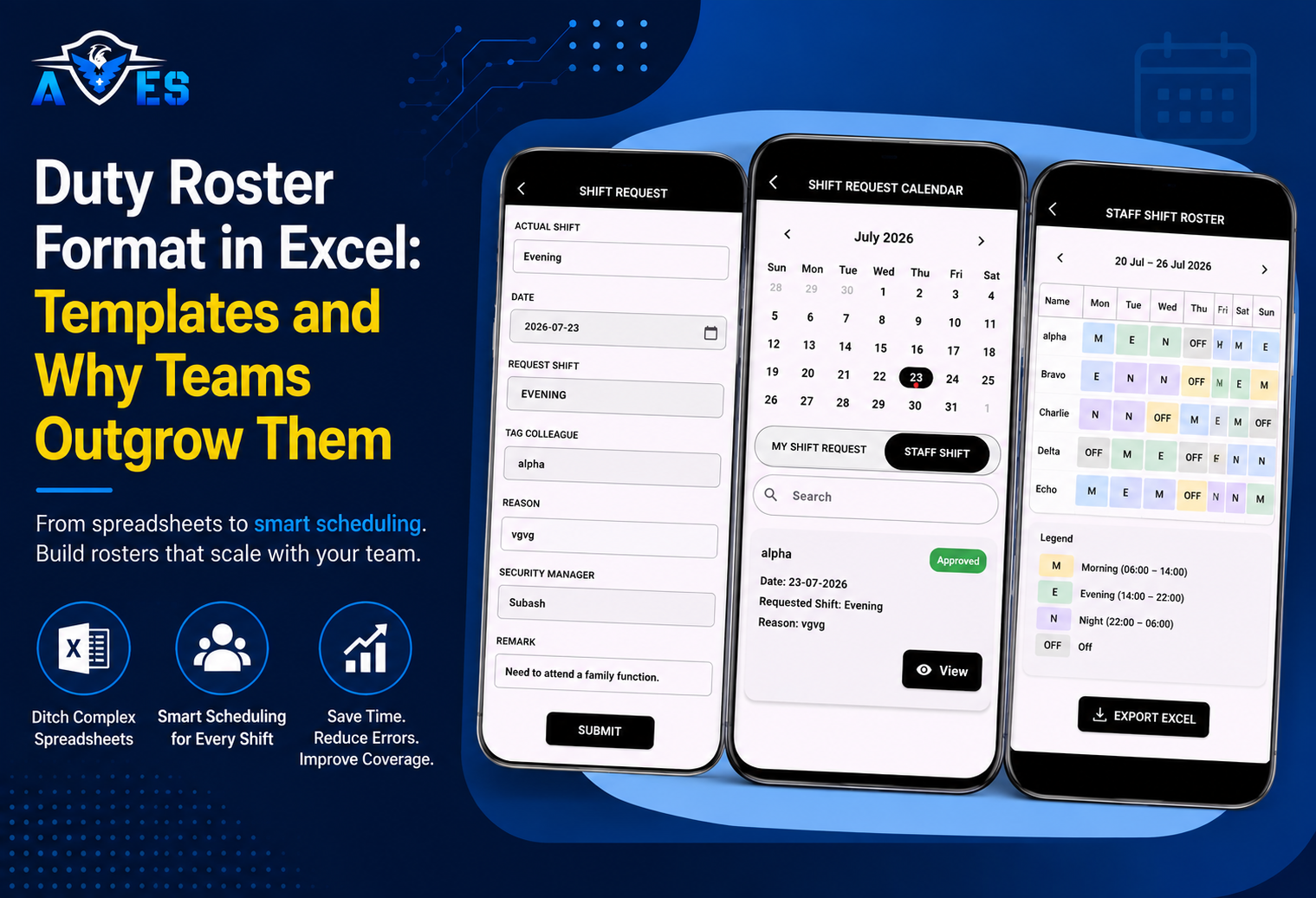
Geofence-based attendance is one practical way to do this: a check-in is recorded automatically when a worker enters or exits a defined area, tied to their shift and location rather than relying on them to remember to tap something on a schedule.
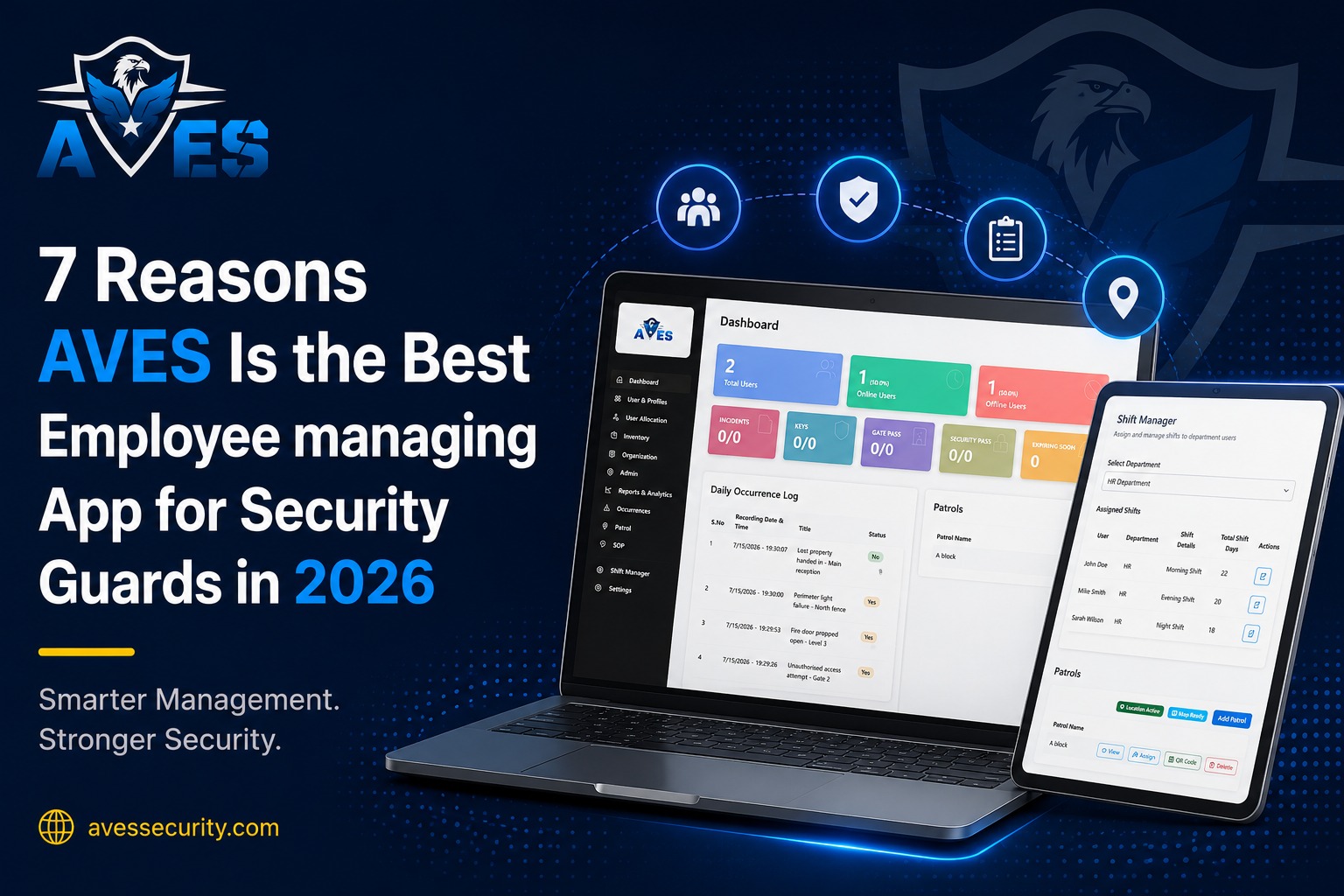
AVES supports this model today geo-verified attendance that ties a worker’s location to their roster, so presence at a site is a timestamped, auditable fact rather than a guard’s word.
That’s a genuinely useful foundation for duty of care: it gives a supervisor a record of where someone was and when, which is the raw material any escalation decision depends on.
What it doesn’t do on its own is tell anyone that a check-in was missed and automatically start a countdown toward escalation that’s a distinct piece of logic, covered below.
Manual alerts: what a lone worker app needs beyond check-ins
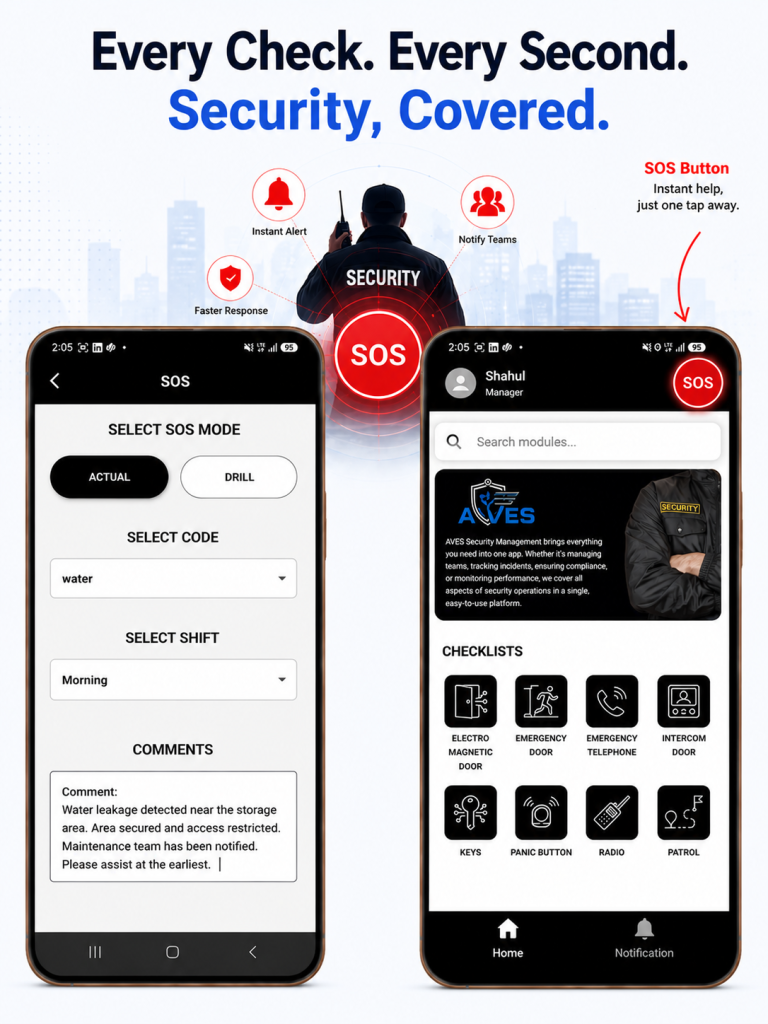
The second layer is the one a worker triggers themselves when they know something’s wrong a duress or SOS alert. AVES provides this as a standing feature: real-time SOS alerts and notifications that fire the moment someone raises them, rather than waiting for a shift-end report.
This is the layer that matters most in the seconds after an incident, because it doesn’t depend on a scheduled check-in cycle catching up it’s immediate and it’s under the worker’s control.
The honest caveat here is that a manual alert only works if the worker is conscious, free and physically able to reach a device which is precisely the situation that fails after a fall, an assault or a medical event.
That’s the gap that automated detection layers (below) are built to close and it’s worth knowing whether that gap matters for your specific risk profile before assuming a manual SOS button alone is sufficient duty of care.
What a lone worker app should escalate to and what’s confirmed here
This is where a genuine duty-of-care program typically adds two more pieces and it’s also where we want to be precise about what AVES currently offers versus what’s standard across the broader lone-worker category:
- Missed check-in escalation if a scheduled or expected check-in doesn’t happen, the system automatically notifies a supervisor or escalation contact after a defined grace period, without anyone having to notice the absence manually.
- Man-down / no-motion detection using device sensors to detect a fall, an impact or a prolonged period without movement and triggering an alert automatically, with no action required from the worker at all.
Both of these are common in dedicated lone-worker platforms and both close the gap that manual SOS alerts and simple attendance check-ins leave open.
As of this writing, we haven’t found either of these confirmed as a current AVES feature the site documents SOS alerts and geo-verified attendance clearly, but doesn’t describe automated missed-check-in escalation or motion-based man-down detection.
If your program specifically needs those two capabilities, that’s worth confirming directly rather than assuming they’re bundled in.
What duty of care asks of a lone worker app
Setting aside any specific product, a defensible lone worker app generally needs to be able to answer a few questions after the fact, not just in the moment:
- Who was working alone, where and during what window? this is what shift and roster data, tied to geo-verified check-ins, gives you.
- Was there a way for that person to raise an alarm and did it reach someone in real time? this is what an SOS/alert feature answers.
- If they couldn’t raise an alarm themselves, would anyone have known? this is the question that missed-check-in escalation and man-down detection exist to answer and it’s the one worth pressure-testing against whatever system you’re evaluating.
- Is there a record of all of it afterward? for compliance and for reviewing what worked or didn’t after an incident.
- Duty of care for lone and isolated workers isn’t just good practice in many jurisdictions it’s a legal obligation. In the US, the OSHA General Duty Clause requires employers to provide a workplace free from recognized hazards, which extends to workers operating without direct supervision.
- In the UK, the HSE’s guidance on lone workers sets out specific expectations for risk assessment and monitoring. A lone worker app is one way to operationalize that obligation but the obligation exists independent of whichever tool you choose to meet it.
Building the escalation path into a lone worker app
Whatever combination of check-in and alert features a lone worker app provides, the escalation path itself is a policy decision that sits on top of the tooling, not inside it:
- Define the grace period how long after a missed check-in before someone is notified. Too short and you get alert fatigue; too long and the point of the system is lost.
- Name a real escalation contact, not “security” as an abstraction a specific role that’s staffed and reachable during the hours lone workers are actually out.
- Set a secondary escalation tier if the first contact doesn’t acknowledge within a set window, who’s next.
- Decide what “resolved” looks like a check-in resuming, a supervisor physically confirming the worker’s status or an explicit stand-down. Don’t leave an open alert quietly aging out.
Where this leaves you
If your lone worker exposure is mostly about knowing where people were and giving them a fast way to call for help, geo-verified check-ins paired with real-time SOS alerts both of which AVES supports today cover a meaningful part of that duty-of-care picture.
If your risk profile specifically requires automatic detection when someone goes silent or goes down without pressing anything, that’s a distinct capability worth confirming directly before you build a program around the assumption it’s already there.
FAQ
What is a lone worker app?
It’s software that keeps tabs on employees working alone a night guard, a field technician, someone doing a solo home visit. Check-ins, an alert button and someone on the other end who actually responds.
What features matter most?
A way to log that someone’s okay (usually location-based check-ins), a button they can press if something’s wrong and a plan for what happens if neither of those things checks out.
Can the app handle everything on its own?
Not really. The app can send alerts, but someone still has to decide the grace period, who gets called first and when an alert counts as closed. That part’s on the organization.
Is this legally required?
Often, yes. OSHA’s General Duty Clause in the US and HSE guidance in the UK both put the responsibility on employers to protect workers who aren’t directly supervised.
Does AVES have this?
AVES does geo-verified check-ins and real-time SOS alerts. Automatic missed-check-in escalation and man-down detection we’d check with AVES directly before assuming those are included.