Key control software records who holds which physical key, when they took it, and whether it came back. It replaces the key cabinet logbook with a searchable custody trail, so the question “who has the master key tonight” has an answer that does not depend on anyone remembering.
Most access-control conversations are about badges, readers and doors. Meanwhile the plant room, the riser cupboard, the server cage, the fuel store and the roof hatch are all still opened with a metal key hanging on a hook in a cabinet, signed out in a book nobody has audited in two years.
That gap is not an oversight. Keys survive because they work, they need no power, and replacing every mechanical lock on a site costs more than most security budgets hold. The realistic control is not to eliminate keys. It is to know where they are. That record belongs with the rest of the shift, which is why key custody sits inside the AVES security guard management system rather than in a book of its own.
What Key Control Software Actually Does
Four things, and the fourth is the one that earns the money.
- Records the key set. Every key, what it opens, how many copies exist, and which sit on a ring rather than loose.
- Issues and returns. A named person takes a named key at a recorded time, and the record stays open until it is back.
- Routes the request. Higher-risk keys need an approver, not just a signature.
- Surfaces what is outstanding. An ageing list of keys still out, by person and by duration. This is what a logbook structurally cannot provide.
A paper key register does the first two adequately and the last two not at all. That is the whole argument, and it is worth being precise about it rather than claiming paper does nothing.
This is not cryptographic key management
Worth stating early, because the phrase is overloaded. Search “key management system” and half the results cover encryption keys, KMS platforms and certificate lifecycles. That is a different discipline entirely. This page is about physical keys: brass, cut, hanging on a hook, opening a door.
Why Keys Outlive Every Access-Control Upgrade
Sites install badge readers on the doors people use every day. The doors people rarely use stay mechanical, and those are disproportionately the sensitive ones: switch rooms, chemical stores, comms cabinets, archive rooms, the gate to the yard.
So the pattern on a mature site is an electronic system covering high-traffic, low-risk doors and a key cabinet covering low-traffic, high-risk ones. The reporting ends up inverted against the risk. Badge access produces a clean audit trail for the front door and nothing at all for the room with the switchgear in it.
There is a second reason keys persist. Contractors. Handing a visiting engineer a badge means enrolling him, assigning permissions and remembering to revoke them. Handing him a key takes four seconds. The path of least resistance wins on a busy morning, every time.
The Three Workflows That Matter
Strip the category down and physical key custody is three moments. Get these right and the rest is reporting.
1. The key checklist
The standing inventory: every key held, what it opens, how many duplicates exist, and where it lives when it is not issued. This sounds like housekeeping and it is the foundation, because you cannot report on custody of a key you never recorded owning.
The check worth running today: ask for a list of every key on site and how many copies of each exist. If that takes longer than a minute, or comes back as a number nobody will stand behind, the register is not current.
2. The key request
Someone needs a key. The request names the key, the person, the reason and the expected return, and it goes to whoever is entitled to approve that key rather than whoever happens to be at the desk.
The reason field is not bureaucracy. Six weeks later, “maintenance” tells a reviewer nothing, while “replacing the failed pump in plant room 2, work order 4471” tells them everything. The cost of capturing it is one line, at the moment the person actually knows the answer.
3. The key return
The record closes when the key is physically back, recorded by whoever received it. Until then the key is out, and it appears on a list somebody owns.
This is where paper fails completely, and the reason is structural rather than a matter of diligence: nothing in a paper process triggers a reminder. The line is written, the key leaves, the page turns. No report would surface the key still missing three months later, because producing that report means reading the whole book by hand.
Shift Handover: Where Custody Actually Breaks
If key control fails on your site, it will fail at 6am when the night team leaves.
The night supervisor holds a set. The day supervisor arrives. In a well-run operation the two count the cabinet together and sign. In a normal operation, one of them is dealing with something else, the count is skipped once, and the exception becomes the routine within a fortnight.
What makes this the critical moment is that a key lost at handover has no owner. Lose a key during a shift and that shift is accountable. Lose it across a handover nobody recorded and the loss belongs to a gap between two people who each reasonably believe the other had it.
The fix is unglamorous and it works: a handover count that is itself a record, with both names and a timestamp, and any discrepancy captured at that moment rather than discovered at the next audit. The point is not to catch anyone. It is to close the interval in which a key can disappear without anyone becoming responsible.
The Overdue Key, and What a Book Cannot Tell You
An ageing list of outstanding keys is frequently the entire business case, for the same reason it is on the material side of a gate pass management system: a returnable item with no follow-up is a loss with better paperwork.
- Expected return is mandatory, not optional. A key issued with no return date is a key given away politely.
- Ageing beats a yes or no. Forty minutes overdue is a phone call. Six weeks overdue is an investigation and possibly a re-key. A binary flag collapses the two.
- Somebody owns the list. Usually the shift supervisor for same-day items and the security manager for anything past a week. A report with no owner is decoration.
- Overdue by person, not just by key. One key outstanding is an oversight. One person with nine outstanding is a pattern, and it stays invisible if you only ever sort by key.
Master Keys Need a Different Rule
A master opens everything, so it carries the combined risk of every door it covers, and it should not be governed by the same policy as the key to a stationery cupboard.
- A named approver, always, with no delegation to a duty role. “The duty manager can approve it” means in practice that whoever is on shift can approve it.
- Issued for a defined window, not for a shift. “For tonight” quietly becomes permanent possession.
- A loss triggers a decision, not a note. When a master goes missing somebody has to decide whether to re-key, and that decision needs a name against it. Recording the loss and moving on is how a site ends up with an unknown number of live masters in circulation.
The uncomfortable question worth asking at your own site: how many master keys exist right now, and can you name the holder of each? Most operations discover, asking it, that the honest answer is an estimate.
What a Client or Auditor Asks After a Loss
Stock goes missing from a locked store. Nobody forced the door. The questions arrive in a predictable order, and they are all custody questions:
- Who held the key to that room in the relevant window?
- Who authorised them to hold it, and for what stated reason?
- Was it returned, and who received it back?
- How many copies of that key exist, and where are the others?
- When was the key set last reconciled against the register?
A digital custody trail answers all five in about a minute. A logbook answers the first badly and the rest not at all. That difference is the product, and it is worth being honest that it does not prevent the loss. It establishes what happened, which is what determines whether an insurance claim, a client relationship or a disciplinary process survives contact with the facts.
For sites working to a formal standard, this record is part of demonstrating the control is real rather than nominal. ISO 18788 sets out management-system requirements for private security operations, including the documentation and continuous-improvement expectations a paper key book struggles to satisfy.
Cabinets or Software: What You Are Actually Choosing
This is the fork most buyers hit, and vendor pages rarely put it plainly because most vendors sell only one side of it.
An electronic key cabinet is hardware. Keys are physically locked to a board and released by PIN, card or biometric, so the cabinet itself enforces custody. Nobody takes a key without the system knowing, because the steel will not allow it. That is a genuinely stronger control and it costs what hardware costs, per cabinet, per site.
Key control software is a record. It knows what should have happened and depends on people using it. It cannot stop a key being lifted off a hook by someone who does not scan it. What it does provide is custody history, approval trails, overdue reporting and reconciliation across every site, at software cost, sitting next to the patrol, incident and visitor records from the same shift.
The honest guidance: if you have one high-consequence cabinet in a single location, hardware is the stronger answer. If keys are spread across many sites and the real failure is that nobody knows what is outstanding or who approved it, the record is what you are missing, and a cabinet on one site will not fix the other twelve.
Choosing a System: What to Test in a Demo
Demos are built to go well. These questions make them informative.
- Show me every key currently outstanding, aged. If this needs an export and a spreadsheet, overdue tracking is not really supported.
- Show me the full custody history of one key over a year. This is the post-loss question. It should take seconds.
- Filter by holder, not by key. Tests whether you can see the person with nine keys out.
- Can a key be issued and approved by the same person, and what does the record look like afterwards? You are testing whether separation of duties is enforceable or merely encouraged.
- Show me a shift handover count. Frequently unsupported, and it is where custody actually breaks.
- What happens when a key is reported lost? Watch whether it becomes a tracked decision or a text note.
- How does this sit next to patrol and incident records? A key system that is an island produces a fourth login and a fourth version of the truth.
Roles and Permissions
Key control implementations fail on permissions more often than on features, usually because the model was designed by someone who has never worked a cabinet at shift change.
- Requester. Anyone who legitimately needs a key. Should be frictionless, because a requester who finds the form painful will just ask the guard directly, and you are back to the book.
- Approver. Bounded by key class rather than granted wholesale. Approving a cupboard key and approving a master are not the same authority.
- Custodian. Issues and receives, and records what actually happened including discrepancies, without being able to alter an approval. Custodians report reality; they do not edit history.
- Auditor. Read-only across everything including the change log. A genuinely read-only role is what makes the record credible to anyone outside the operation.
The mistake to avoid is collapsing approver and custodian on small sites for convenience. It is understandable and it removes the control entirely, because the person handing over the key is the person who authorised it. If headcount will not allow separation, at least make the combination visible in reporting so it is an accepted risk rather than an invisible one.
Implementation Sequence
Key control rollouts fail in a predictable way: every key at every site on day one, the cabinet gets slower, and within a fortnight the book is running alongside the system “just for now”.
- Reconcile one cabinet first. Physically count it against the register before anything is digitised. You will find discrepancies, and finding them now is the point. Digitising an inaccurate register produces an accurate record of the wrong thing.
- Start with high-risk keys only. Masters, plant, comms, cash areas. Perhaps thirty keys rather than three hundred.
- Run parallel with an end date. Keep the book for the pilot and set the date it stops. Parallel running with no end date becomes permanent, and a duplicated process is worse than either alone.
- Add the handover count second. Once issue and return are habitual, close the interval where custody actually breaks.
- Turn on overdue reporting last, and name its owner first. This is where the system starts finding things. Switching it on before somebody owns the list produces a report nobody reads.
- Review the approval matrix after ninety days. The limits you set at the start will be wrong in specific, discoverable ways: usually too tight somewhere causing daily escalations, and too loose somewhere nobody noticed.
Honest Limitations
Software records custody. It does not physically restrain a key. Someone with cabinet access and no scruples can still take one. What changes is that doing so leaves either an approval with a name on it or a gap that shows up on reconciliation. Both are detectable on review, which is not the same as prevented.
It also cannot fix an unknown key population. If the site has been re-keyed twice and nobody knows how many copies of the old master are in circulation, no software resolves that. A physical reconciliation, and probably a re-key, has to happen first.
And it does not survive an approver who signs off whatever is put in front of them. The system will faithfully record well-documented losses. Reviewing approvals by approver is the mitigation, and it only works if somebody reads it.
Where AVES Fits
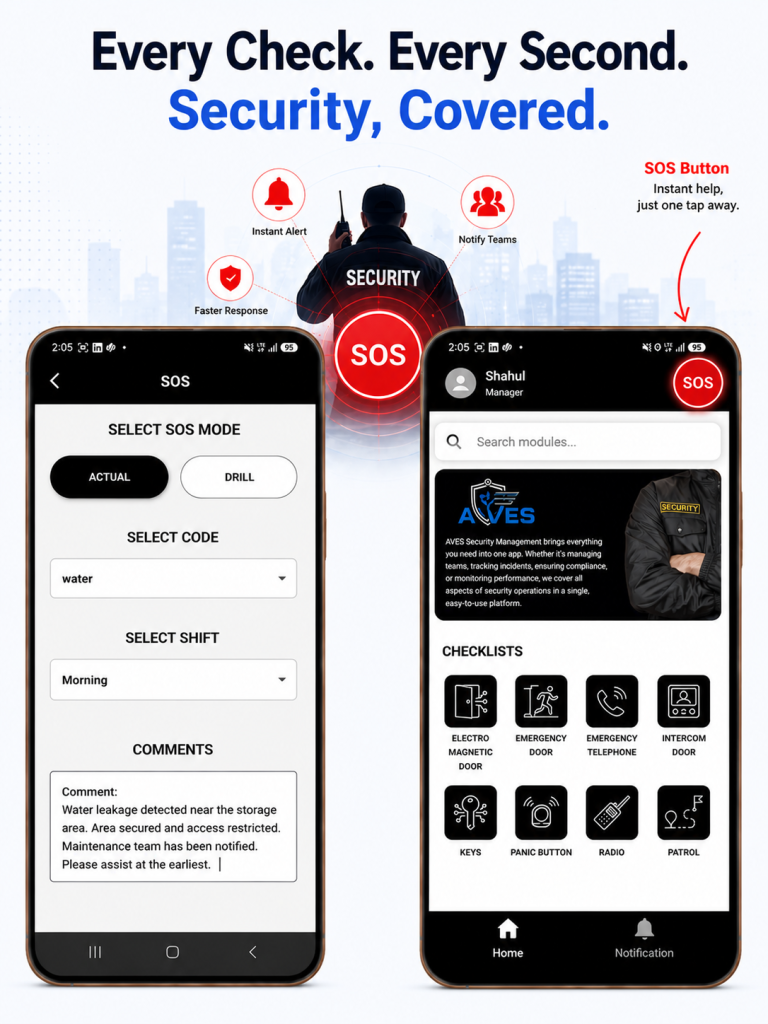
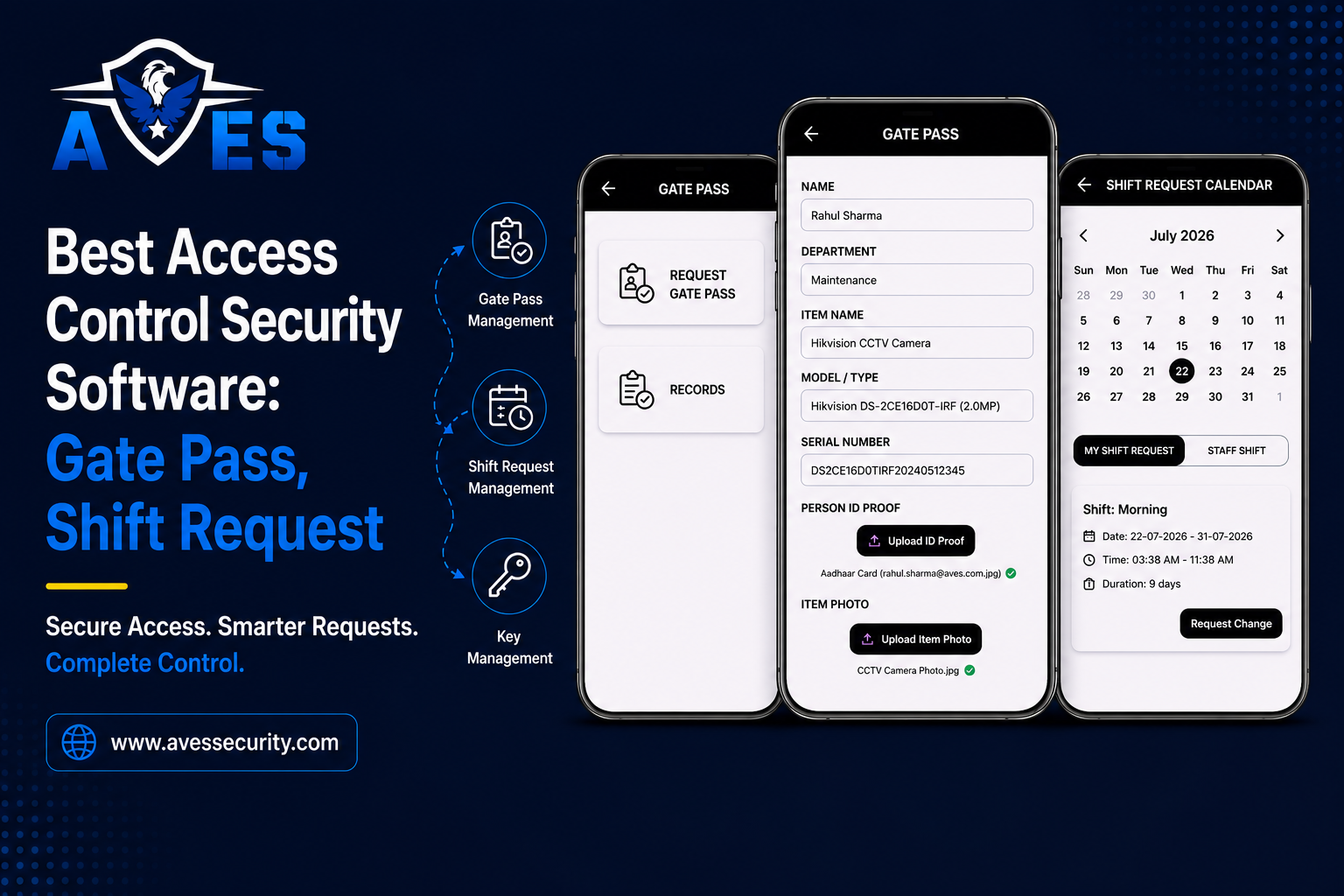
AVES covers key management as part of the wider guard platform: a key checklist for the standing inventory, key requests with approval, and key returns closing the custody record. It sits alongside patrol tracking, incident reporting, visitor and gate pass records, shift scheduling and equipment inventory in the same system.
The practical consequence is that key custody is not a standalone document. A question about a specific night is answered from one place: who was on shift, what patrol ran, what incidents were logged, who came through the gate and who held which key. That is a different quality of answer than three systems each holding a fragment.
AVES is software rather than a key cabinet, which is a real distinction and worth weighing against the section above before you decide.
Explore AVES Plans or request a demo. The demo questions above are the right ones to bring.
Related reading: gate pass management for material and vehicle movement across the boundary, inventory management for uniforms and equipment custody, the security guard logbook for the shift record, and the AVES security guard management system guide for how the modules fit together.
Frequently Asked Questions
What is key control software?
Software that records which physical keys exist, who holds each one, who approved the issue and whether it has been returned. It replaces the key cabinet logbook with a searchable custody trail and an ageing list of outstanding keys.
Is this the same as cryptographic key management?
No. Cryptographic key management covers encryption keys and certificates. This is physical key custody: metal keys, cabinets, hooks and doors. The phrase is shared and the disciplines are unrelated.
What is the difference between key control software and an electronic key cabinet?
A cabinet is hardware that physically restrains keys and releases them on authentication, so custody is enforced by the steel. Software is a record that depends on people using it, but it covers many sites at software cost and sits alongside patrol, incident and visitor data. One critical cabinet in one location is usually a hardware problem; keys spread across many sites is usually a record problem.
Why do keys still matter when we have badge access?
Because badge readers usually cover high-traffic doors while plant rooms, comms cabinets, stores and yard gates stay mechanical. The reporting ends up inverted against the risk: a clean audit trail for the front door and nothing for the switch room.
Who should approve a master key?
A named individual rather than a duty role, with the key issued for a defined window rather than for a shift. Master keys carry the combined risk of every door they open and should not sit under the same policy as a cupboard key.
What should happen when a key goes missing?
It should trigger a recorded decision about whether to re-key, with a name against that decision, rather than a note in a book. Sites that only record the loss accumulate an unknown number of live keys in circulation.
How often should keys be reconciled against the register?
Often enough that a discrepancy is traceable to a period rather than to a year. Monthly for the full set is common, with a handover count on high-risk keys every shift, since handover is where custody most often breaks.
Can key control work if the guard post has no internet?
It depends on the system. AVES captures core field actions offline and syncs when connectivity returns, with full functionality requiring internet. Because key cabinets often sit in poorly connected parts of a building, offline behaviour is worth testing directly in a demo rather than taking on description.
Does key control software stop keys being stolen?
No. It records custody; it does not physically restrain anything. What changes is that taking a key without authorisation now leaves either a named approval or a reconciliation gap, both of which are detectable on review.