Here’s what nobody tells you when you’re shopping for shift handover software: the calendar was never your problem. If you run a security company, you already know the moment. A guard finishes a shift, hands things over in a rush and the next guard walks in half blind. Nobody’s sure which keys got passed on, what happened during the last two hours or whether that “minor incident” near the loading dock actually got written down anywhere.
You’re not here for a definition of staff scheduling software. You’ve probably Googled that term ten times already. What you actually want to know is simpler and harder at the same time. Will staff scheduling software fix the chaos on your site or will it just hand your team a new tool to learn and ignore?
That’s the real question. It deserves a real answer.
Why Shift Handovers Quietly Break Security Operations
Most security firms don’t lose money because of one big disaster. They lose it in small, boring ways that pile up.
A guard forgets to mention a broken camera. The next shift has no idea a visitor badge never got returned. A key goes missing and nobody can say who had it last. None of this looks like a crisis on any given day. Give it a month, though, and it becomes a pattern your clients start noticing before you do.
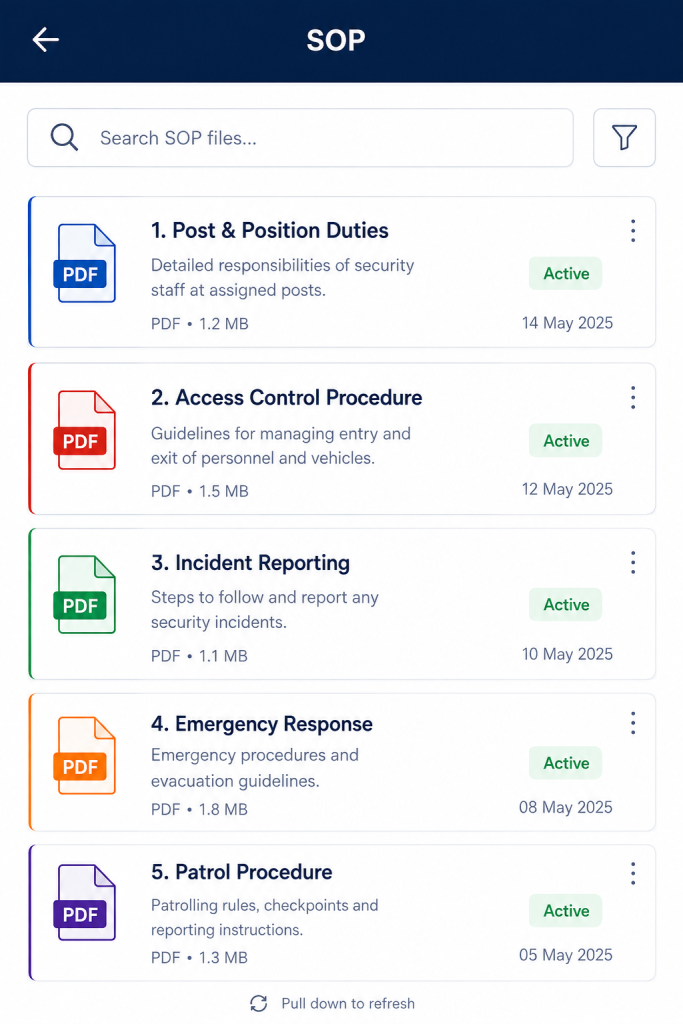
Paper logbooks and WhatsApp threads feel fast, but they’re fragile. They live in one person’s memory or one phone’s chat history. The moment that person takes leave, gets sick or just forgets, the information is gone with them. Closing that exact gap is what decent staff scheduling software is for.
Here’s what most articles skip. Guards aren’t careless. Verbal handovers just depend entirely on human memory during the most rushed five minutes of a shift and memory is a terrible place to store operational data.
What Shift Handover Software Is Actually Solving
People talk about shift handover software like it’s just shift calendars and roster planning. Sure, that’s part of it. But that framing sells short what good staff scheduling software does for security operations specifically.
A proper shift scheduling app earns its keep in three ways.
It tells you who’s supposed to be where and when. It builds a clean digital record of what actually happened on each shift. And it forces the outgoing and incoming teams to talk to each other instead of assuming the other person already knows.
That third piece is where most staff scheduling software quietly fails. Plenty of tools nail the calendar side. Almost none build a structured handover process that fits how security teams actually work on the ground. If you’re evaluating staff scheduling software for a guarding or patrol business, check this feature first, not last.
The Mistake Most Buyers Make First
Here’s something you won’t find in most comparison articles. The biggest mistake first-time buyers make is picking staff scheduling software based on the calendar alone and treating shift handovers as an afterthought.
That backfires fast. A calendar tells you who was on duty. It doesn’t tell you what they handed over, whether the keys came back or whether that 3 a.m. incident ever made it into the morning briefing.
If your team works in physical security, guarding, patrolling or facility management, the handover is where the real risk lives. Picking staff scheduling software without checking how it handles this part is like buying a car and skipping the test drive on the brakes.
What a Digital Shift Handover Should Actually Look Like
Easier to show than explain. Here’s what a structured handover looks like inside shift handover software built for security teams, using Aves as the working example.
When a guard finishes a shift, they open Create Handover and get prompted to fill in the specifics. Date, outgoing shift, incoming shift are already structured fields, so nothing gets left to memory.
From there, the form asks for the details that actually matter on the ground. Keys handed over, listed one by one. Equipment handed over, so nothing quietly disappears between shifts. Related incidents, linked directly instead of buried in a separate chat somewhere. Remarks, for the context that doesn’t fit into a checkbox. Attachments, so a photo of damage or a signed slip lives on record instead of getting lost in someone’s camera roll.
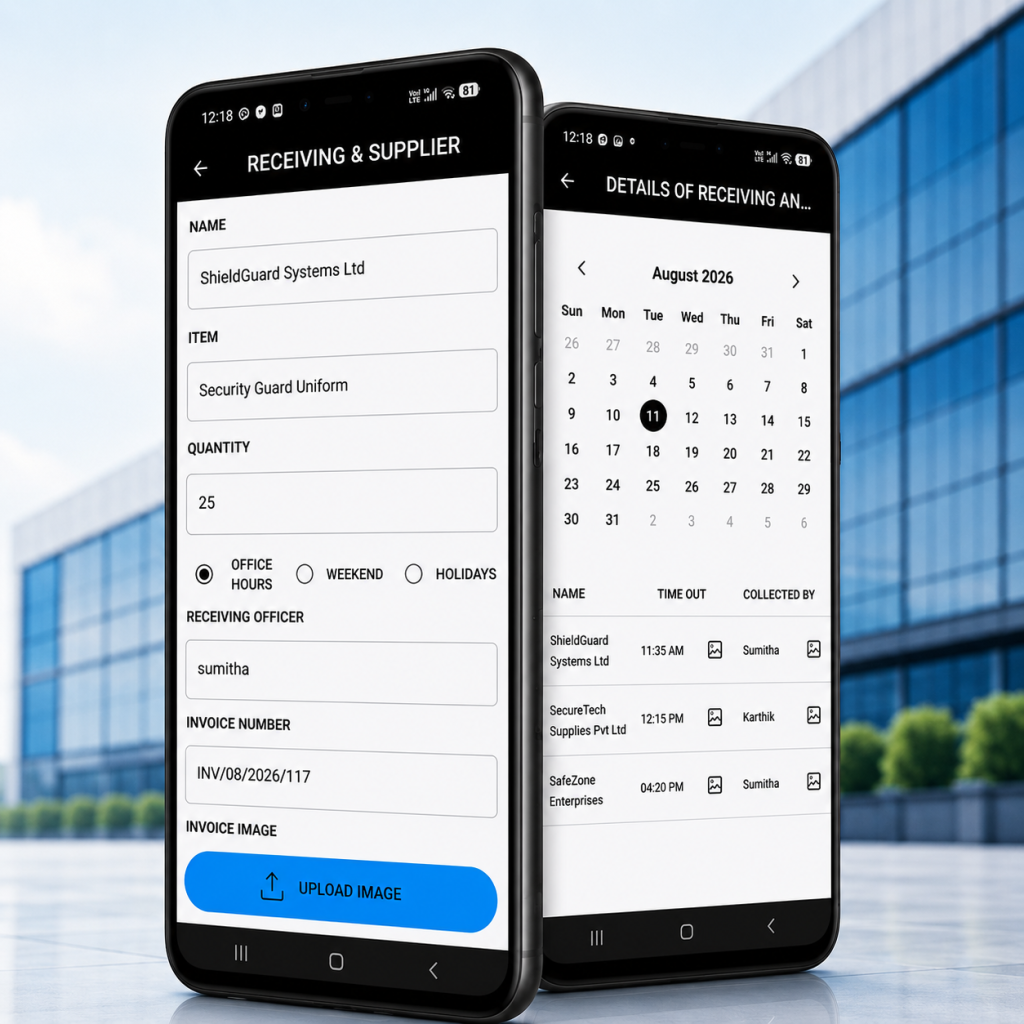
Once submitted, the handover doesn’t just vanish into a folder. It sits under My Handovers, tracked by status. You can see what’s Submitted and what’s been Acknowledged, which gives you a clear digital trail showing the incoming officer actually reviewed it. Not just that a form got filled out somewhere.
That closes the exact gap paper logs and group chats leave wide open. There’s no ambiguity anymore about whether the next shift knew about the broken lock or the visitor who never checked out.
The Honest Trade-Offs Nobody Mentions
Digital shift handovers aren’t magic. shift handover software is only as good as the habit sitting behind it.
If your guards fill in the form carelessly just to move on, you end up with a digital version of the exact same problem you had on paper. Software gives you structure. It doesn’t give you discipline. That still has to come from how you train your team and how your supervisors follow up.
Expect a short adjustment period too. Guards used to scribbling a quick note need a week or two to get comfortable with a structured form. That’s normal. Most teams settle into new staff scheduling software faster than owners expect, especially when the form itself is short and specific instead of a long questionnaire nobody wants to fill out.
Then there’s cost, the part nobody wants to talk about honestly. Staff scheduling software with real shift handover features isn’t free and you shouldn’t judge it against doing nothing. Judge it against what a single missed incident report or a disputed missing-equipment claim already costs you in client trust.
What This Actually Fixes for a Growing Security Company
Once you’re managing more than a handful of guards across even one or two sites, verbal handovers stop scaling almost immediately. This is usually the exact moment teams start searching for staff scheduling software in the first place.
A structured system fixes three things that quietly hurt security operations more than anything else.
Accountability stops being assumed and starts being visible. You can see exactly who submitted a handover and who acknowledged it, which matters the second a client asks what happened during a specific shift.
Incident history stops living in someone’s head. Related incidents attached to a handover build a searchable record over time instead of a story that shifts slightly every time someone retells it.
Client trust improves without you doing much extra. Pull up a clean digital record showing keys, equipment and incidents tracked shift by shift and it signals a level of operational maturity paper logs simply can’t fake.
Choosing the Right Shift Handover Software Without Overthinking It
You don’t need the shift handover software with the longest feature list. You need the one that matches how your team actually works on site.
Look for security guard scheduling that fits real shift patterns, not a generic weekly calendar borrowed from an office job. Look for a digital shift handover process built specifically for security work, covering keys, equipment and incidents, not a notes field lifted from some HR tool. And look for a clear acknowledgment trail, so you’re never left guessing whether the next shift actually saw what got handed to them.
Find one piece of shift handover software that covers scheduling and handovers together and your team stops juggling two or three separate apps just to run a single shift properly.
Where to Go From Here
You don’t need to overhaul your whole operation overnight. Start with one site or one team. Run shift handovers digitally for two weeks and compare what you see against your old paper logs or chat messages.
Most owners describe the same reaction once they watch staff scheduling software work the way it should. It’s not that the software does anything dramatic. It’s that the gaps they’d gotten used to living with simply stop happening.
If you want to see how this looks for a team your size, Aves Security’s staff scheduling software walks through exactly this workflow, built specifically for guard operations instead of adapted from generic office software.