You’re probably here because a paper form failed you. A worker got hurt, maybe, and the incident report took three days to land on the right desk. Or a hospitalization case got logged with half the details missing.
Medical incident reporting software exists to close exactly that gap. But before you spend money on a platform, you need to know what actually separates a real system from a glorified digital form.
Call it a medical incident report, an injury report, or medical incident reporting software, the underlying problem doesn’t change. That gap has a name. Medical incident reporting software, and most sites still don’t have it. That’s what this guide covers, no sales pitch attached.
Why Paper Still Fails Even When Everyone Tries Hard
Nobody sets out to lose an incident report. It happens because paper depends on someone remembering to fill it out completely, then physically carrying it to the right desk.
A guard writes down that someone got injured. Forgets the injured body part. Forgets whether the person was hospitalized. Three weeks later, someone asks for the medical clearance date, and nobody can find it.
Not a training problem. A structural one. Paper has no required fields, no timestamps, no way to flag a case as still open. That’s the exact gap medical incident reporting is supposed to close, and it’s the failure point medical incident reporting software was built to eliminate.
What Real Medical Incident Reporting Software Actually Tracks
Here’s where most buyers get surprised. Proper incident reporting software doesn’t just capture “what happened.” It captures the entire medical and legal trail around an injury.
Personal details. Who was involved, their role, their department. Sounds basic. It’s also the first thing that goes missing on a rushed paper form. Healthcare incident reporting software should never let this field go blank.
Incident details. What happened, when, where. Specific enough that someone reading it six months later understands the full picture without guessing. This is where medical incident reporting software actually earns its keep.
Observance data. Condition of the scene, whether the person appeared intoxicated, what they were wearing, their movement at the time, any witnesses present. Most software skips this section entirely, and it’s often the first thing lawyers ask about. Most cheap medical incident reporting software skips it too.
Personal injury classification. A checklist covering exact injury types, bruises and lacerations through concussions and chemical burns, mapped to a front and back body diagram showing exactly where the injury occurred. A body diagram like that is the clearest sign you’re looking at real medical incident reporting software.
Hospitalization and case tracking. Whether the person was hospitalized, how many medical certificate days got issued, which hospital or clinic treated them, the date they returned to work, the ambulance or transport number used. Non-negotiable, in any serious medical incident reporting software.
Accountability fields. Who was in charge at the time, whether that person got notified, whether the case is still open, whether a police report was filed. Medical incident reporting software without accountability tracking is only half a system.
Skip any one of these six and you’re not looking at real healthcare incident reporting software. You’re looking at a form builder wearing a healthcare label.
The Fear You Are Not Saying Out Loud
You’re probably worried this is going to be complicated to roll out. Your team already resists paperwork, and you’re picturing another system nobody actually uses.
That fear is reasonable. Most failed rollouts happen because the tool asks guards or staff to enter data in a format that doesn’t match how the incident actually unfolded in real life.
The fix isn’t more training. It’s choosing software structured the way an actual incident happens. Scene first. Injury second. Medical outcome third. Not one giant form with fifty fields dumped onto a single screen. Good medical incident reporting software is built to prevent exactly that rollout failure.
What Beginners Get Wrong When Choosing a Platform
The most common mistake: picking software based on how clean the incident form looks in a demo, without checking whether it captures hospitalization and return-to-work data at all. Honestly, this is the single biggest mistake buyers make when shopping for medical incident reporting software.
A close second: assuming any generic incident reporting software will work for medical cases. Generic tools usually skip the personal injury body diagram, the intoxication field, the police report status, because those are healthcare and workplace-safety specific, not general security fields. Generic tools rebranded as medical incident reporting software rarely hold up under real use.
Third mistake, and a sneaky one: not checking whether photos attach directly to the injury record. If your incident reporting software makes you email photos separately, you’ve already lost your single source of truth. Photo attachment is a baseline requirement in medical incident reporting software, not a bonus feature.
Fourth mistake, and people usually only discover this one after something’s already gone wrong: not checking whether the software tracks case status over time. An injury doesn’t end the moment the form gets submitted. Someone needs to know if the case is still open, if the person’s returned to work, if a police report is still pending weeks later. A tool that only captures the initial report and nothing after is solving half the problem. Ongoing case tracking is what separates real medical incident reporting software from a one-time form.
What This Looks Like in AVES
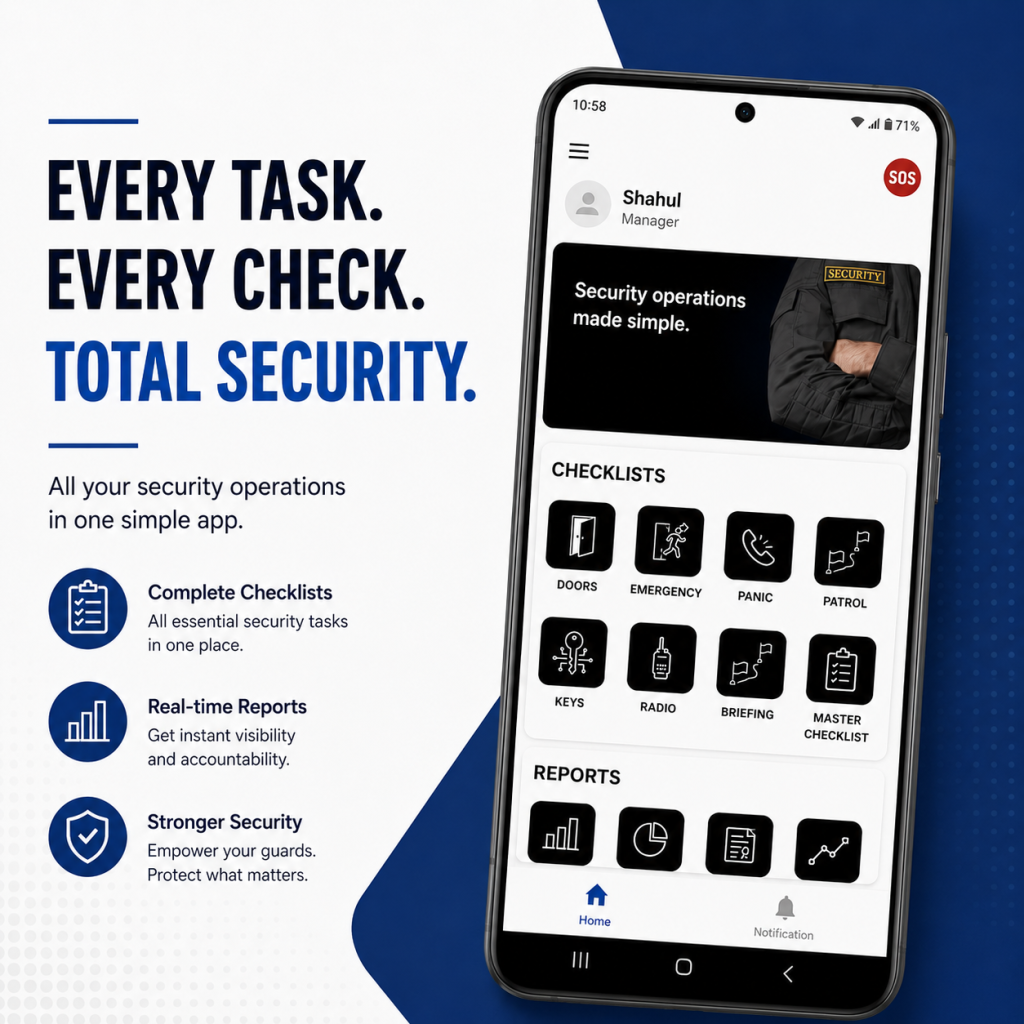
AVES is a working example of healthcare incident reporting software built around how real incidents actually unfold, through its Medical Report module.
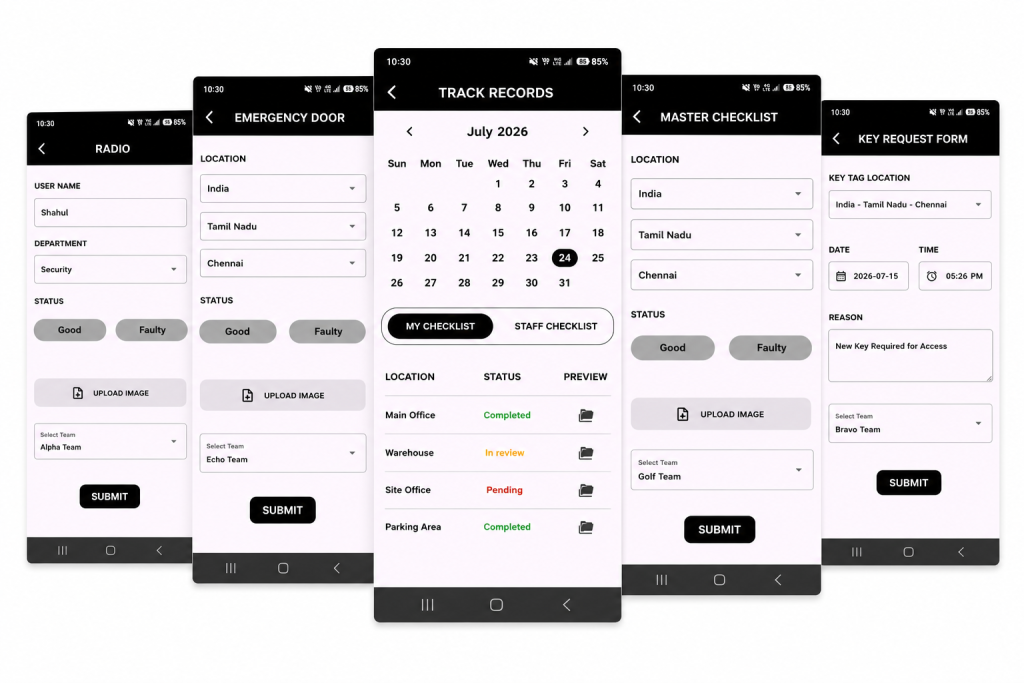
An officer opens the Medical Report screen and works through five sections in order: Report, Personal Details, Incident Details, Observance, Personal Injury. Each section expands only when needed, so the form never feels overwhelming.
The Personal Injury section uses a front and back body diagram. Tap the injured area, select the injury type from a checklist covering everything from abrasions to electrocution, add a written reason if needed.
Hospitalization gets its own dedicated fields. Hospital or clinic name, number of medical certificate days, date of return to work, ambulance or transport number. Nothing buried inside a generic notes field.
Accountability’s built in too. In-charge name, whether that person got notified, current case status, whether a police report exists, all sitting as clear yes-or-no fields instead of something someone has to remember to mention out loud.
Photos attach directly through an upload button, so evidence stays tied to the exact case it belongs to instead of floating in a separate folder somewhere.
What Good Actually Looks Like Once This Is Running
This is the actual payoff of switching to real medical incident reporting software. A site running it properly doesn’t feel more complicated day to day. It feels calmer, because nobody’s chasing paperwork after the fact.
Supervisors stop reconstructing incidents from memory weeks later. HR stops asking guards to recall details from a shift that happened a month ago. Legal teams get a clean, timestamped record instead of a stack of inconsistent notes.
That’s the real return on switching to medical incident reporting software. Not fewer incidents. Zero incidents quietly disappearing from the record because nobody logged them properly the first time.
Frequently Asked Questions
What is medical incident reporting software?
A digital system, sometimes called medical incident reporting software, that captures the full details of a workplace injury or medical incident, personal details, incident details, injury classification, hospitalization status, and accountability information, all in one searchable record.
How is it different from general incident reporting software?
General incident reporting software usually covers security events like theft or trespassing. Medical incident reporting software adds medical-specific fields, injured body part diagrams, hospitalization tracking, medical certificate days, police report status.
What information should a medical incident report always include?
At minimum, personal details of the injured person, incident details, scene observance, injury classification, hospitalization and treatment information, plus accountability fields like in-charge notification and case status.
Can photos be attached to a medical incident report?
Yes. A proper system lets you upload photos directly into the report record, so visual evidence stays attached to the exact case it documents.
Is this only useful for large organizations?
No. Even a small team benefits, because the alternative, relying on memory and scattered paper notes, fails regardless of company size the moment a case gets questioned later.
Where This Leaves You
You don’t need to overhaul your entire operation to fix this. You need one piece of medical incident reporting software that captures an incident the way it actually happens: scene, injury, treatment, accountability, in that order.
Get that in place and you stop losing details to memory. You stop scrambling when a case gets questioned months later. And you finally have a record you can actually stand behind. That’s what proper medical incident reporting software gives you. Nothing more, nothing less.
If you want to see how AVES handles medical incident reporting, injury tracking, and case accountability in one dashboard visit AVES security and request a demo https://master.avessecurity.com/book-demo.
CONTACT US
Website : https://www.avessecurity.com
Linkedin: https://www.linkedin.com/company/aves-security-management-system/
Instagram: https://www.instagram.com/avessecurity/